

What is the key skill for designers and creatives in the age of AI?
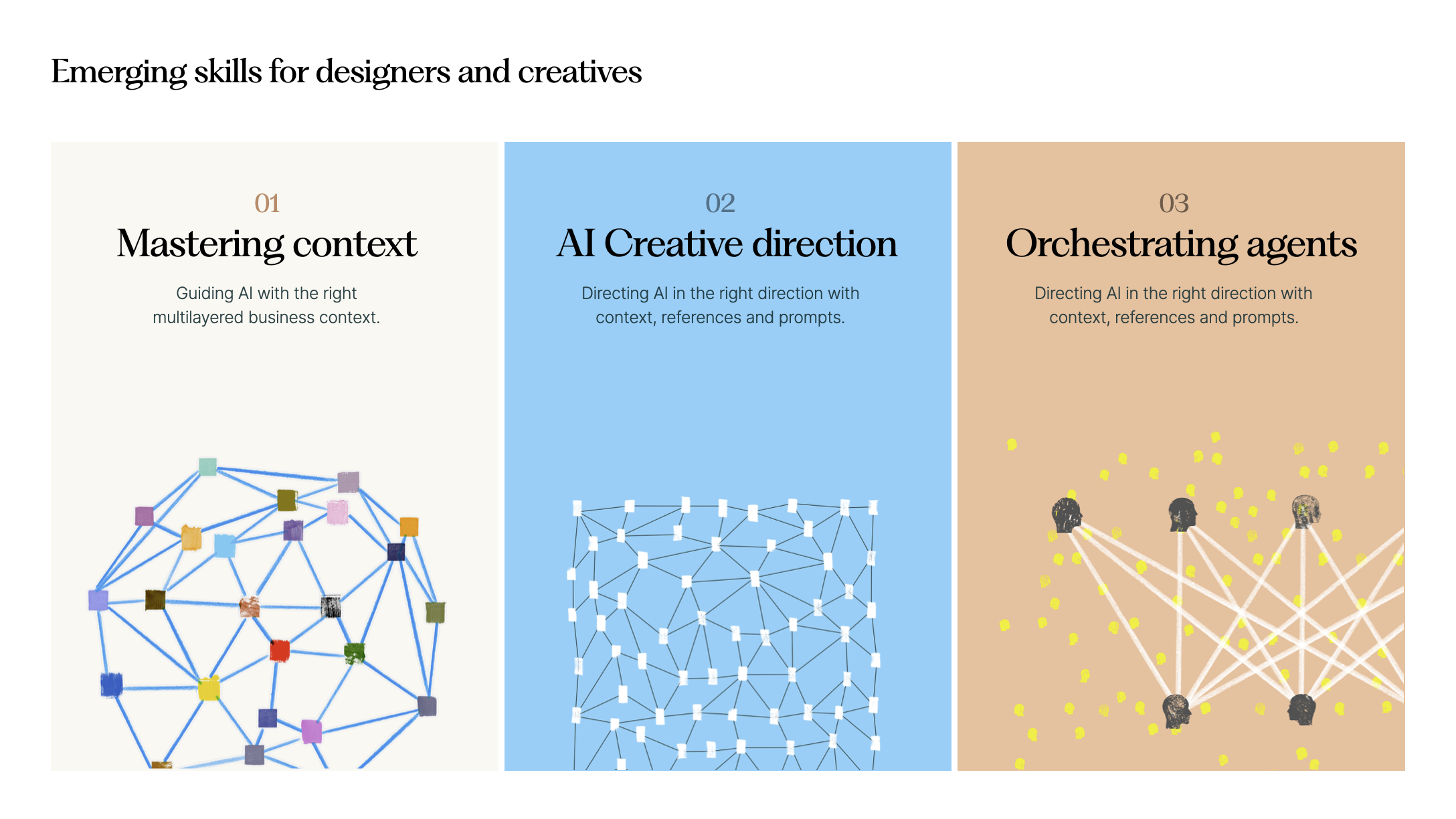
If I had to pick one, it would be context management. In my recent talk for students at the Turku School of Economics, I highlighted this as the defining emerging skill — alongside AI creative direction and orchestrating agents.
Context management underpins all successful work with AI.
This week, I'll dive into why it matters and how to practice it at three levels: user, project, and task.
From generic to useful
Modern generative AI models are trained on massive amounts of content — text, images, and increasingly video. As a result, they have vast general knowledge, far beyond that of any individual.
But they're missing something crucial: the specific context of our work. The goals, intentions, relationships, and details that make up our daily professional lives.
Without that context, AI results tend to be generic.
Ask an AI in incognito mode for a marketing strategy and you'll get a textbook answer — general best practices that leave you wanting for the specifics.

To get professionally meaningful results, we need to become skilled at providing this context. Context management matters far more than any prompting trick. In my training workshops, I frame this across three levels: user-level, project-level, and task-level.
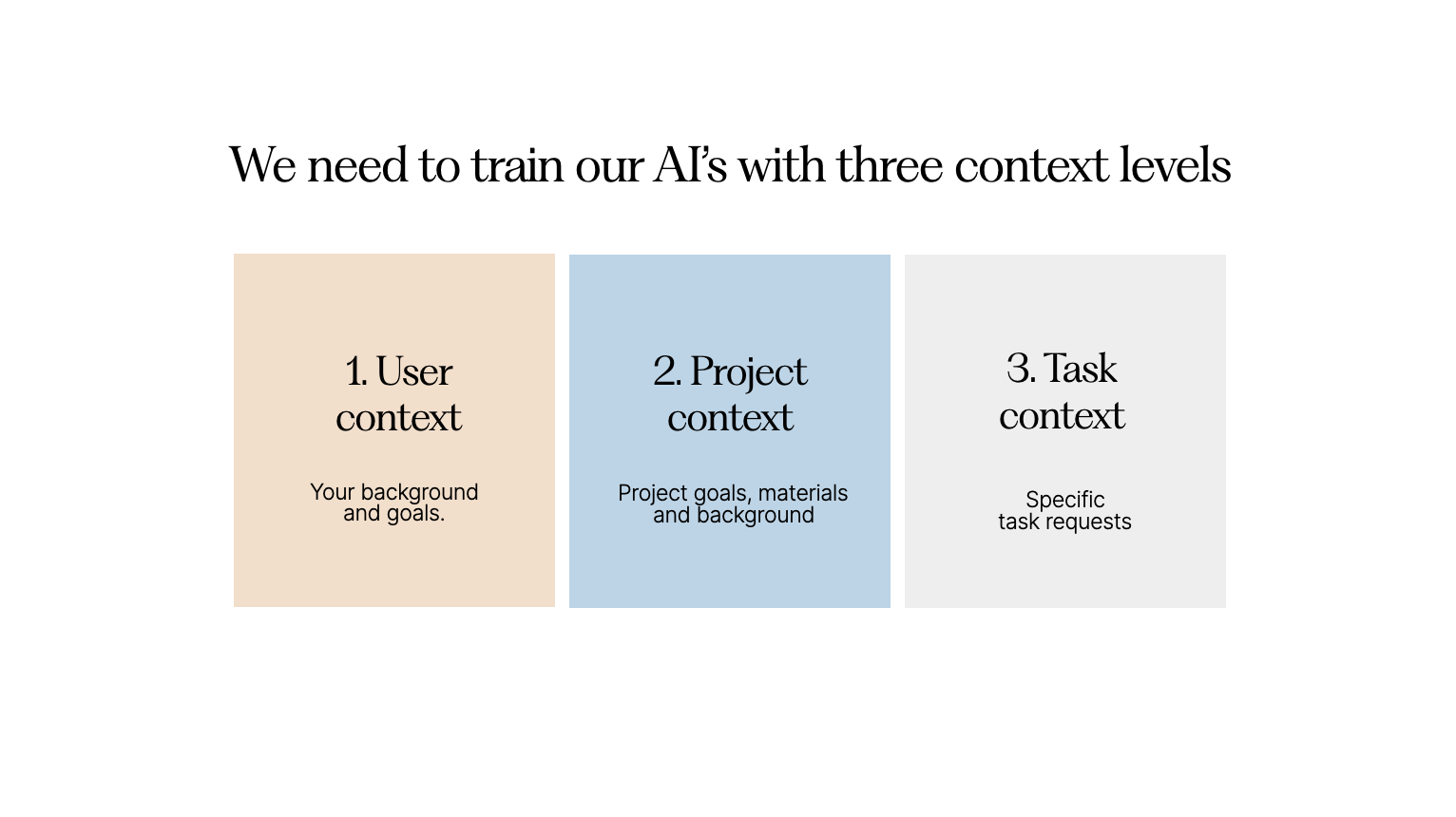
User-level context — who we are
We need to train our AIs on who we are. That means giving them:
- Our professional background
- Our goals for the year
- Key knowledge about our company — strategy, offering, customers
- Who the customers we serve are
- How we want AI to assist us
Leading models like Claude and ChatGPT can build memory automatically, but it's worth auditing that memory and proactively filling in the gaps.
Earlier this year, I updated my offering document and uploaded it as context for both Claude and ChatGPT. Now when I ask for help with my marketing strategy, the answer draws on real knowledge of my business, clients, and background — far more useful than a generic response.
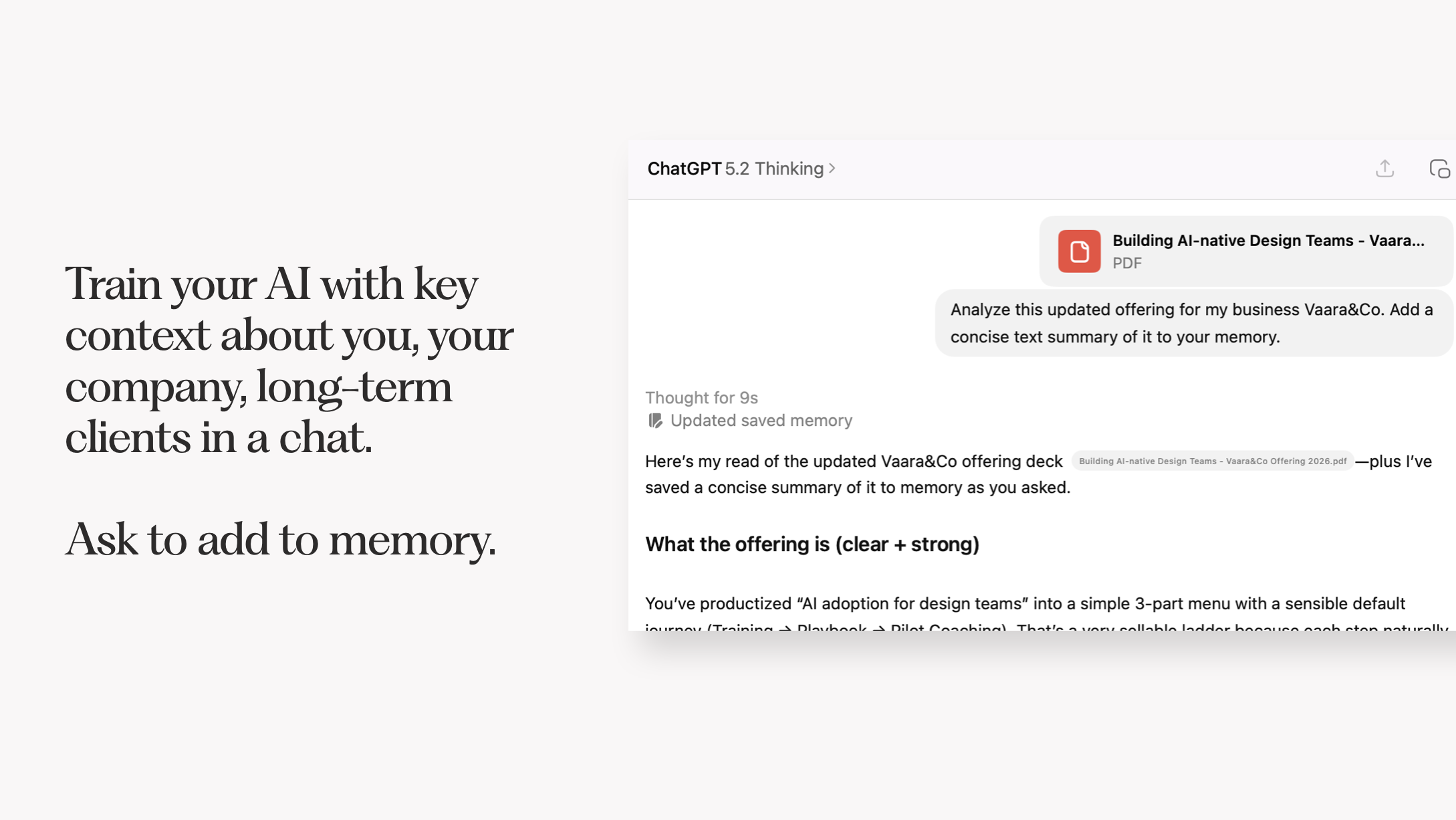

Since I work with AI countless times a day, re-introducing myself every session isn't an option. A proper user-level context means every answer comes through the right lens.
Project-level context — what I'm working on
Beyond who we are, AI models need to understand what we're currently working on.
The most efficient way to handle this is to organize work into projects — available in both Claude and ChatGPT. In each project, I give the model instructions on the work, how I'd like it to help, and any relevant materials such as briefs or research.
With project-level context, every chat starts with that knowledge baked in. I've added meeting transcripts and background documents as project context, so each response takes that rich foundation into account.
This becomes even more powerful with agentic tools like Claude Code or Cowork, where agents operate inside shared folders that can hold dozens of project documents.
One example: I've built a proposal builder project in Claude that includes instructions for writing successful proposals, along with example proposals as PDFs. When I paste in notes from a sales call, it generates a new proposal with everything it needs already loaded.
Project-level context can also hold design-specific details — like design systems in JSON format — grounding AI prototyping tools in your company's actual visual language.
Task-level context — the job at hand
If you've built solid user and project context, your actual prompts can be remarkably simple.
In my proposal example, I just paste raw notes or a transcript from the sales call. With multi-level context already in place, I can give concise requests and get specific, relevant results. Sometimes I'll drop a screenshot into Claude with no explanation — it already knows enough to help.
It's like working with a long-time collaborator. You can communicate in shorthand, and they'll understand exactly what you mean.
The meta-skill of our era
There are no prompting hacks that reliably deliver exceptional AI results.
Becoming genuinely AI-native comes down to context management. How well you build it at all three levels — user, project, and task — determines the quality of what you get back. When people complain that AI outputs are too generic, it's usually because they haven't done their part.
This skill extends well beyond chatbots. It carries into more powerful agentic tools like Claude Code and Codex. And it's central to designing AI-enabled products — thinking carefully about what context an agent needs to actually serve the end user.
At the organizational level, context building becomes a shared effort. Rather than everyone building their own siloed context, organizations can scale it the way they scale design systems and brand voice — through tools like Claude skills or custom GPTs.
In many ways, our work is shifting upward: from executing individual tasks to building the context that lets AI assist with those tasks well.
Keep the insights coming.
Author